

Seven out of ten people who use digital screens regularly experience computer vision syndrome at some point – and most of them don’t recognize it for what it is. The headache that builds across a Tuesday afternoon, the neck stiffness that no stretch seems to fix, the eyes that feel gritty by 8 p.m. even though nothing is in them: these aren’t separate problems. They’re the same problem, arriving through different doors.
Digital eye strain – formally called computer vision syndrome – is named for what you notice first, but the symptom list extends well past blurry vision. It reaches into headaches that build across the day, neck pain that won’t respond to any stretch you know, and sleep that keeps getting worse no matter how tired you are. Most people chalk each of these up to a separate cause, a bad chair or a stressful week. They rarely connect them back to the same source.
The condition isn’t serious in the sense of permanently damaging your eyes, but it is serious in the sense that it degrades how you feel every single day. The laptop is the job, the phone is the social life, the tablet is the wind-down after dinner. There’s no version of modern daily life that doesn’t involve staring at a rectangle of backlit glass for a significant portion of it. Here is what digital eye strain actually looks like when you know what to look for.
1. Blurry Vision That Comes and Goes

A 2025 comprehensive review published in the journal Eye and Vision found that computer vision syndrome affects an estimated 69 percent of the population, making it one of the most widespread occupational health complaints globally. That number covers everyone from the office worker with eight hours of EMR to scroll to the mom answering emails from the couch at 10 p.m.
The blurriness that comes with prolonged screen use is not the kind that arrives one morning and stays. It drifts in and out. You’re reading fine, then mid-sentence the text softens at the edges. You blink, it clears, and then twenty minutes later it’s back. When you focus on a digital screen, your eyes work significantly harder than during normal vision tasks, because screens force your eyes to constantly refocus on pixels, creating ongoing strain that doesn’t occur with printed material – a process called accommodation fatigue.
The coming-and-going nature of it is actually what makes blurry vision from digital eye strain so easy to dismiss. If it were constant, you’d call the optometrist. Because it clears up every time you look away, it reads as normal tiredness rather than a repeating strain response. According to the Cleveland Clinic, visual symptoms of computer vision syndrome include blurred vision, double vision, and slowness of focus change – that last one being the thing you might recognize as the moment it takes your eyes a beat too long to adjust when you look up from a screen and try to read something across the room.
It’s worth noting that blurry vision can also signal other conditions, and if it’s persistent rather than intermittent, or accompanied by sudden changes, those symptoms warrant a separate conversation with a doctor.
2. Dry, Burning, or Gritty Eyes

The gritty feeling – the one that makes your eyes feel like they need to be rinsed out even though nothing is actually in them – is one of the most reported digital eye strain symptoms, and the cause is straightforward. When we concentrate on screens, we blink approximately one-third less frequently than normal, reducing the natural lubrication our eyes need, which leads to the characteristic dry, irritated sensation.
Tears aren’t just about crying. They form a thin film across the eye’s surface with every blink, keeping it lubricated and clear. A Dove Press integrative review confirmed that digital activities reduce blinking rate and disrupt the tear film, which is why the dryness you feel after hours on a screen is a real, measurable change to your eye’s surface rather than just a subjective sense of tiredness. External ocular symptoms include burning, dryness, redness, a gritty sensation, tearing, and irritation – which covers the full range of what people describe as their eyes “not feeling right” by end of day.
Contact lens wearers tend to experience this symptom more intensely, since lenses already reduce oxygen flow to the corneal surface, and reduced blinking compounds the problem.
3. Headaches That Build Across the Day

Screen headaches have a signature: they don’t usually announce themselves in the morning. They build. By mid-afternoon, there’s a pressure around the forehead and temples that wasn’t there at 9 a.m. By evening, it’s a full dull ache that no amount of water or ibuprofen quite touches. Non-ophthalmologic symptoms of digital eye strain include headaches around the forehead and temples, neck and shoulder pain, and muscle spasms, especially when adequate posture isn’t maintained during device use.
The reason screens are particularly good at generating headaches involves the same accommodation fatigue that causes blurry vision. When the eye’s focusing muscles cycle through the strain of constant refocusing over hours, that muscular effort translates into referred pain in the surrounding structures. According to the Cleveland Clinic, hours of nonstop screen time may lead to irritated eyes, blurry vision, and headaches, among other symptoms, and research shows nighttime use of digital devices can affect sleep – which then feeds a cycle where poor sleep lowers your threshold for headache the following day.
4. Neck and Shoulder Pain

This one surprises people the most, because neck pain feels like a body problem rather than an eye problem. The connection is posture, and posture is driven by vision. Some people tilt their heads at odd angles because their glasses aren’t designed for looking at a computer, or they bend toward the screen in order to see it clearly, and those postures can result in muscle spasms or pain in the neck, shoulder, or back.
The body is compensating, in other words, for what the eyes can’t do comfortably from a neutral position. You lean in a centimeter when the screen is too far. You tilt to reduce glare from a window. You hold your chin slightly higher because your progressive lenses only bring the screen into focus at a specific angle. None of these adjustments register consciously, but over eight hours, they all add up in your traps and your cervical spine. The symptom profile of digital eye strain includes musculoskeletal discomfort alongside ocular dryness, irritation, blurred vision, headache, and sleep disruption.
5. Eye Fatigue and Difficulty Keeping Focus
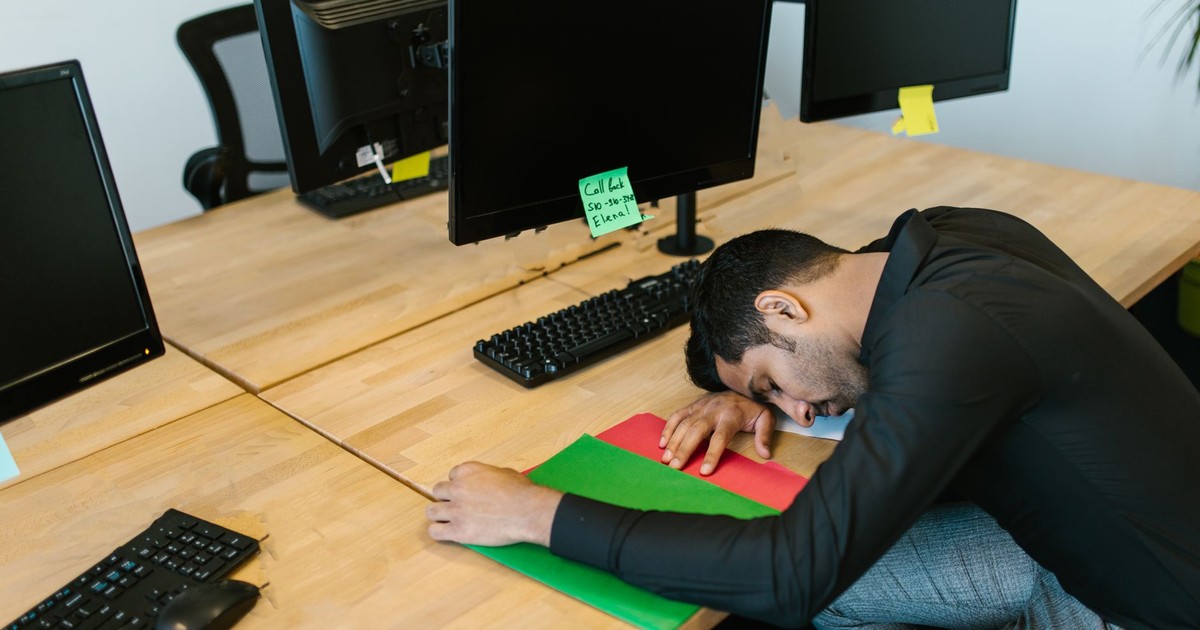
Eye fatigue is different from sleepiness, though the two often arrive together. It’s the sensation that your eyes are done for the day before the rest of you is ready to stop. Reading becomes effortful. You re-read the same sentence twice without retaining it. According to Osmosis, computer vision syndrome’s symptoms can be uncomfortable enough to affect work or daily routine, with vision issues being the most common symptoms, including straining to see computer or digital device screens.
Part of what drives this is the fundamental difference between screens and printed pages. Print reflects light. Screens emit it. Pixelated image construction creates content through microscopic light-emitting elements, lacking the crisp boundaries of printed typography, which means your eye’s focusing process is working against a less defined target than it evolved to handle – chasing edges that are slightly softer and slightly more variable with every pixel refresh.
6. Light Sensitivity

After a long day on screens, ordinary room light starts to feel like an affront. The overhead fluorescents that were fine at 9 a.m. feel harsh by 3 p.m. Stepping outside into daylight makes you squint in a way that feels disproportionate. This is photophobia – sensitivity to light – and it appears as a recognized symptom of computer vision syndrome.
The symptom profile includes photophobia, alongside ocular dryness, irritation, blurred vision, and sleep disruption, with these manifestations reflecting the multifactorial nature of digital eye strain, involving ocular surface instability, accommodative and vergence stress, and device-related optical stress. The eye’s surface is already inflamed and understimulated from reduced blinking; light sensitivity is a downstream consequence of that compromised surface state. It tends to resolve with rest, which is useful information, but it also means the symptom is telling you something about what the preceding hours have done to your eyes.
7. Sleep Disruption

This is where digital eye strain stops being just about your eyes and starts touching everything else. If you use screens in the hour or two before bed – which the vast majority of adults do – the blue-spectrum light emitted by those screens interferes with melatonin production. Melatonin is the hormone that signals to your body that sleep is approaching. Suppress it, and you push the onset of sleep later, reduce the quality of the sleep you do get, and wake up already running on a deficit. Blue light from screens interferes with melatonin production, and melatonin is the hormone that allows you to feel sleepy and stay asleep, meaning that if blue light is interfering with that production, it can physiologically affect your ability to sleep.
The link between digital eye strain and disrupted sleep is one of the more consequential connections in this list, because poor sleep doesn’t just leave you tired – it lowers your pain threshold, reduces concentration, and makes the headaches and eye fatigue of the following day worse. The cycle feeds itself: you can’t sleep, so you scroll longer; you scroll longer, so you sleep worse.
8. Double Vision or Difficulty Switching Focus

Double vision is the symptom people are least likely to mention, partly because it sounds dramatic and partly because it usually resolves so quickly they doubt it happened. What most people experience is a milder version – a moment of lag when switching focus from the screen to something across the room, as if the eyes need a second to agree on what they’re looking at. Visual symptoms of computer vision syndrome include blurred vision, double vision, and slowness of focus change, and that last item is the one most people recognize without naming: the sense that refocusing has become a deliberate act rather than an automatic one.
Smartphone and tablet users often experience difficulties with accommodative and vergence dysfunctions – vergence being the ability of both eyes to aim at the same point together. When that coordination is fatigued, brief double images are the result. In isolation it’s a minor annoyance. Experienced regularly, it’s a signal worth paying attention to.
When to Pay Closer Attention

Most digital eye strain symptoms clear with rest. That’s the comforting truth: step away from the screen for an evening, get a full night of sleep, and the majority of people wake up with eyes that feel substantially better. The syndrome doesn’t cause permanent damage, but it can strain your eyes, neck, and shoulders – which is reassuring but also not quite the whole story, because for people who work at screens all day every day, “rest from screens” isn’t really a thing that happens. The symptoms don’t clear because the exposure never stops.
Risk factors for developing more persistent digital eye strain include older age, uncorrected refractive errors, reduced blinking frequency, and use of contact lenses. If you’re in your forties and wearing readers that weren’t prescribed with screen distance in mind, or if you notice that your symptoms have stopped resolving after a night’s sleep, those are both good reasons to have a conversation with an optometrist specifically about your screen habits. Sudden vision changes, flashes, or floaters are in a different category entirely and warrant prompt attention – those aren’t eye strain, and they don’t wait.
The more useful reframe, for most people, is to stop treating these symptoms as separate inconveniences and start recognizing them as a single system-wide response to one cause. The headache and the dry eyes and the stiff neck and the gritty fatigue that still hasn’t cleared by Monday morning – they’re connected. And knowing that changes what you do about it.
The Pattern You Can’t Un-See

Once you’ve connected these symptoms to a single source, you stop diagnosing yourself with eight separate problems. That, oddly enough, is where some relief begins – not because the symptoms disappear, but because your relationship to them changes. A headache that came from nowhere is exhausting. A headache that came from six hours of staring at a contract you needed to finish is still a headache, but it’s an explainable one. You know what caused it, and you know what won’t make it worse tonight.
That said, knowing the cause and being able to change the cause are two entirely different things. Most of the people dealing with digital eye strain symptoms are dealing with them because their job, their childcare responsibilities, their insomnia, or all three require screen use that can’t simply be reduced. The 20-20-20 rule – look at something 20 feet away for 20 seconds every 20 minutes – helps, but it’s also the kind of advice that requires you to actually stop what you’re doing every twenty minutes, which is its own challenge. What the research points to more broadly is this: the symptoms are real, they’re cumulative, and the single most useful thing you can do is stop treating them as inevitable background noise and start treating them as information. Your eyes are not broken. They’re just telling you something about how your days are structured. Whether you can do anything about that structure is a separate question – but at least now you know what they’re saying.
Read More: Exercise Your Eyes! How Many Dogs Do You See?
Disclaimer: This information is not intended to be a substitute for professional medical advice, diagnosis, or treatment and is for information only. Always seek the advice of your physician or another qualified health provider with any questions about your medical condition and/or current medication. Do not disregard professional medical advice or delay seeking advice or treatment because of something you have read here.
AI Disclaimer: This article was created with the assistance of AI tools and reviewed by a human editor.